Transparency note: This article is written by the Suu team. MyFitnessPal features are described based on publicly available information as of 2026.
Short answer
Suu is better for people who want to track water + calories + exercise in one place, easily (voice/photo) and fully localized. MyFitnessPal is still strong for users who eat out a lot and need the largest restaurant/brand database. Both are on iOS and Android.
Feature comparison
| Feature | Suu 🌱 | MyFitnessPal |
|---|---|---|
| Calorie + macro tracking | ✓ | ✓ |
| Voice meal logging | ✓ | ✗ |
| AI photo calories | ✓ Gemini · 3 free/day | Premium |
| Barcode scanner | ✓ free | Premium |
| Water + 91-beverage hydration science | ✓ | Simple counter |
| Dynamic goals from exercise | ✓ | Partial |
| Restaurant/brand database | Growing | ✓ Largest |
| Full Turkish + Arabic + Russian | ✓ | Partial |
| Ad-free free experience | ✓ | ✗ ads |
| Apple Watch app | ✓ water, voice meals, GPS workouts | ✓ |
| Rating | 4.9★ GP | ~4.5★ |
Where Suu stands out
1. Water + calories + exercise in one app
MyFitnessPal treats water as a simple counter. Suu calculates the hydration factor of 91 beverages, tracks calories and macros, and reads exercise from Apple Health / Health Connect to adjust goals dynamically — all on one screen.
2. Voice and photo logging
Say "a bowl of lentil soup and a glass of ayran" and Suu splits solids from liquids and derives calories. AI photo calories run on Gemini and are free 3 times a day. MyFitnessPal has no voice input; advanced photo recognition is Premium.
3. Localization and affordable price
Suu's interface, notifications and beverage names are fully localized in Turkish, Arabic and Russian, and Premium is more affordable in local currency. MyFitnessPal's food data is largely English/community-sourced.
Where MyFitnessPal stands out
1. Massive database
Millions of items and brands, with unmatched coverage of US/UK restaurant menus in particular. A real advantage for people who eat out a lot.
2. Mature ecosystem
Long history, broad third-party integrations and strong brand recognition.
🏆 Verdict
If you want water + calories + exercise easily in one app (and in your own language), pick Suu. If the largest restaurant database matters most, pick MyFitnessPal. Both can be tried for free — Suu's Premium has a 3-day free trial.
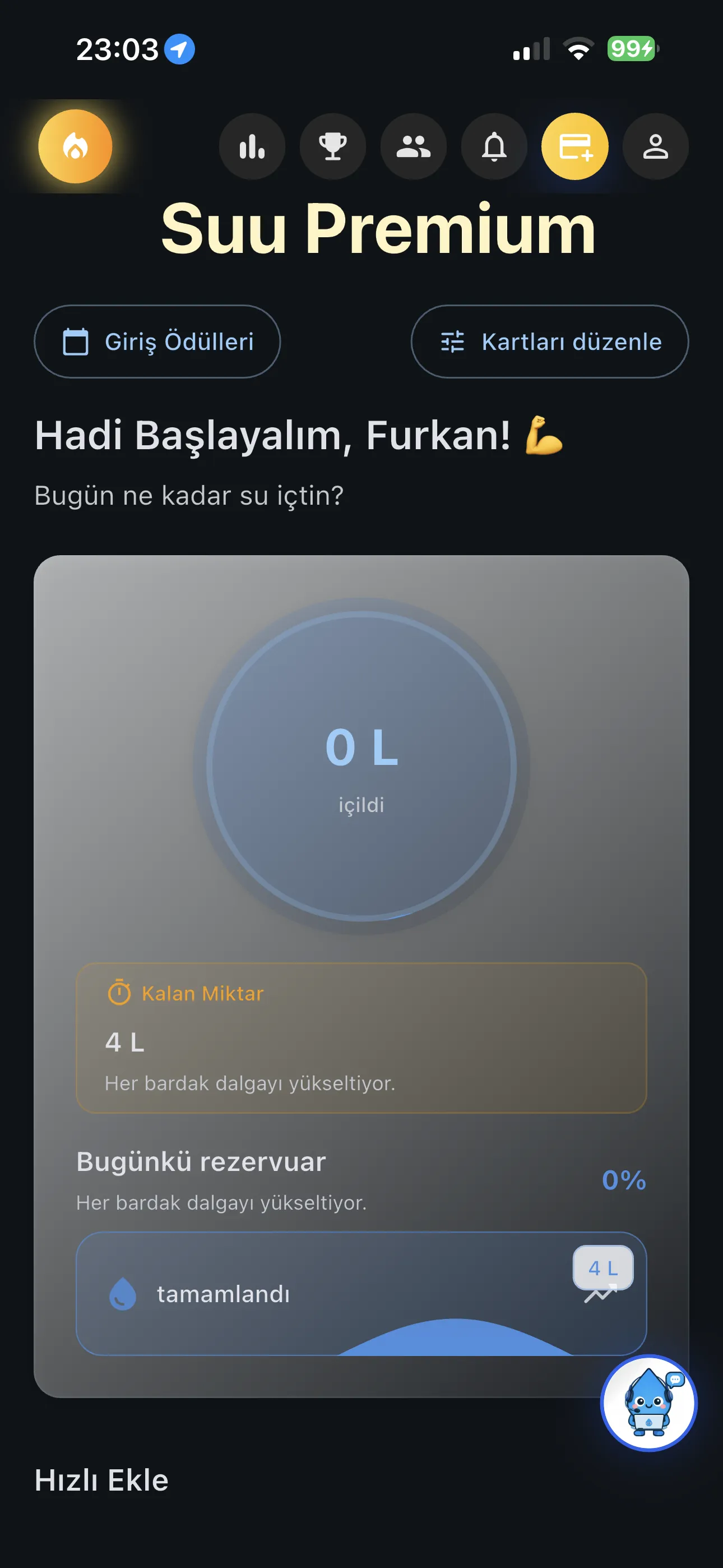
Try Suu Free
- ✓ Log meals by voice or photo
- ✓ Water + calories + exercise in one place
- ✓ iOS & Android
Frequently Asked Questions
References
- Burke LE, Wang J, Sereika SM. (2011). Self-monitoring in weight loss: a systematic review of the literature. Journal of the American Dietetic Association, 111(1), 92–102. PubMed: 21185970
- Hall KD, et al. (2011). Quantification of the effect of energy imbalance on bodyweight. The Lancet, 378(9793), 826–837. PubMed: 21872751
- Suu — Features. suuapp.com/ozellikler-en.html · Full roundup: Best Calorie Counting App 2026